 Chris Cho
The best free online courses to learn graphic design in 2026 are Brainmunk’s Graphic Design Fundamentals course, Canva Design School, the CalArts Graphic Design Specialization on Coursera, and Figma’s free tutorials.
Each one covers a different depth level, from core theory to professional-grade tools.
Most people start learning graphic design by opening a tool and guessing. These courses give you the principles first, so every design decision you make is intentional rather than accidental.
Every course listed here is genuinely free to access. Some offer optional paid certificates, but the learning content costs nothing.
We offer this website completely free to our visitors. To help pay the bills, we’ll often (but not always) set up affiliate relationships with the top providers after selecting our favorites. However, we do our best not to let this impact our choices. There are plenty of high-paying companies we’ve turned down because we didn’t like their product.
An added benefit of our relationships is that we always try to negotiate exclusive discounts for our visitors.
Quick Comparison
1. Graphic Design Fundamentals – Brainmunk
Best for: Anyone who wants a structured foundation in design theory before committing to a specific tool or path
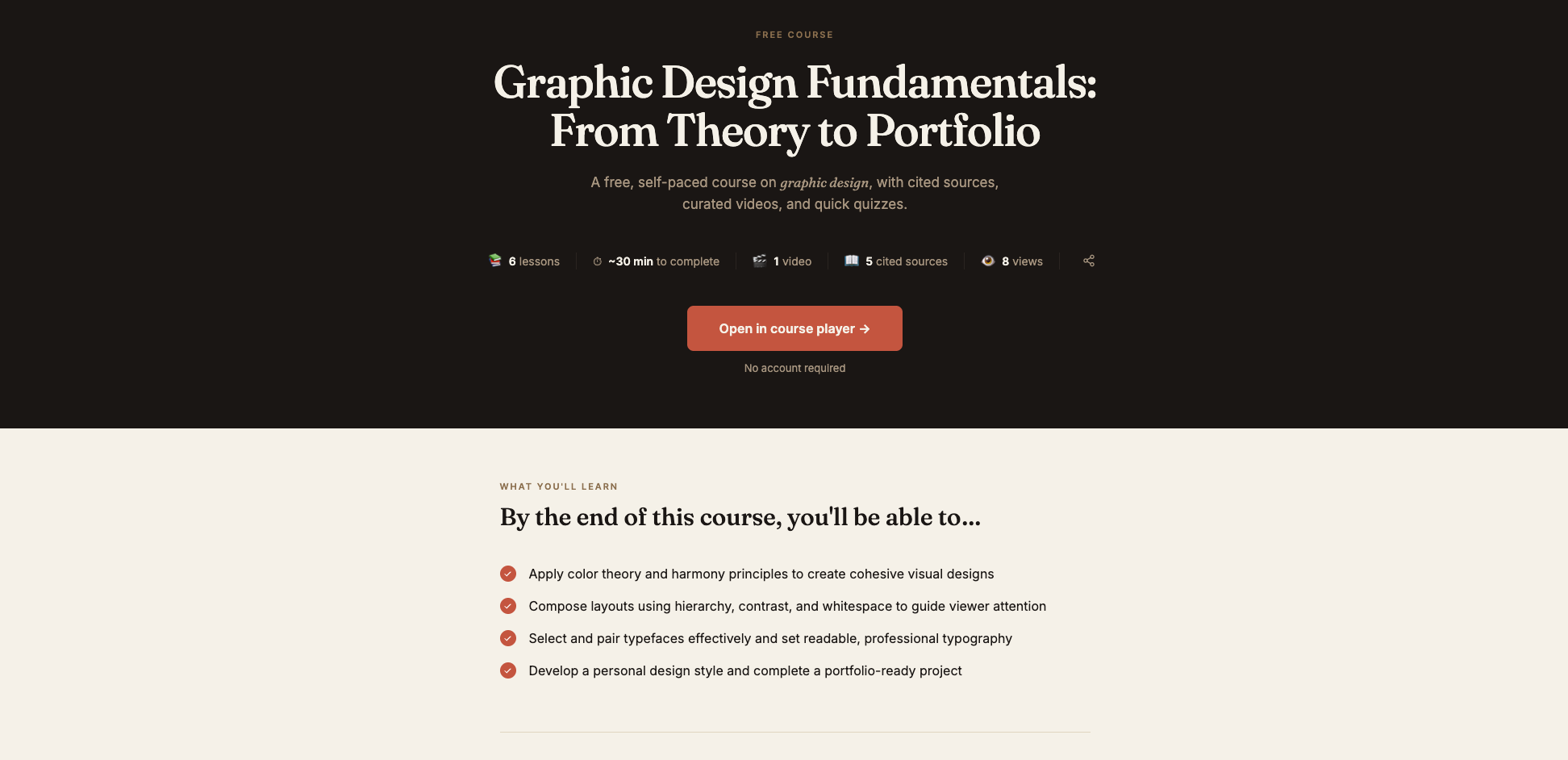
The Graphic Design Fundamentals course on Brainmunk covers 6 structured lessons: color theory and application, typography selection and hierarchy, layout and visual hierarchy, core design principles, the design process from brief to concept, and building a portfolio.
The course takes about 35 minutes to work through. No account required to start.
The course covers the underlying principles of design, not tool-specific steps, so the knowledge applies whether you end up working in Canva, Figma, Photoshop, or any other platform. Once you have the foundation, you can generate spin-off courses on any design topic from Brainmunk in under 60 seconds.
The free plan covers your first three courses with every feature included. No credit card or trial period required.
Start the Graphic Design Fundamentals Course Free
Pros
- 6 structured lessons covering core design theory
- Tool-agnostic, so it applies to any software you choose
- Covers color theory, typography, layout, and portfolio building
- Generate spin-off courses on any design topic to go deeper
- No account or credit card required to start
Cons
- AI-generated, so no peer feedback or project critiques
- Free plan limited to three courses total
2. Graphic Design Basics – Canva Design School
Best for: Small business owners and non-designers who want to create better visuals without a long learning curve
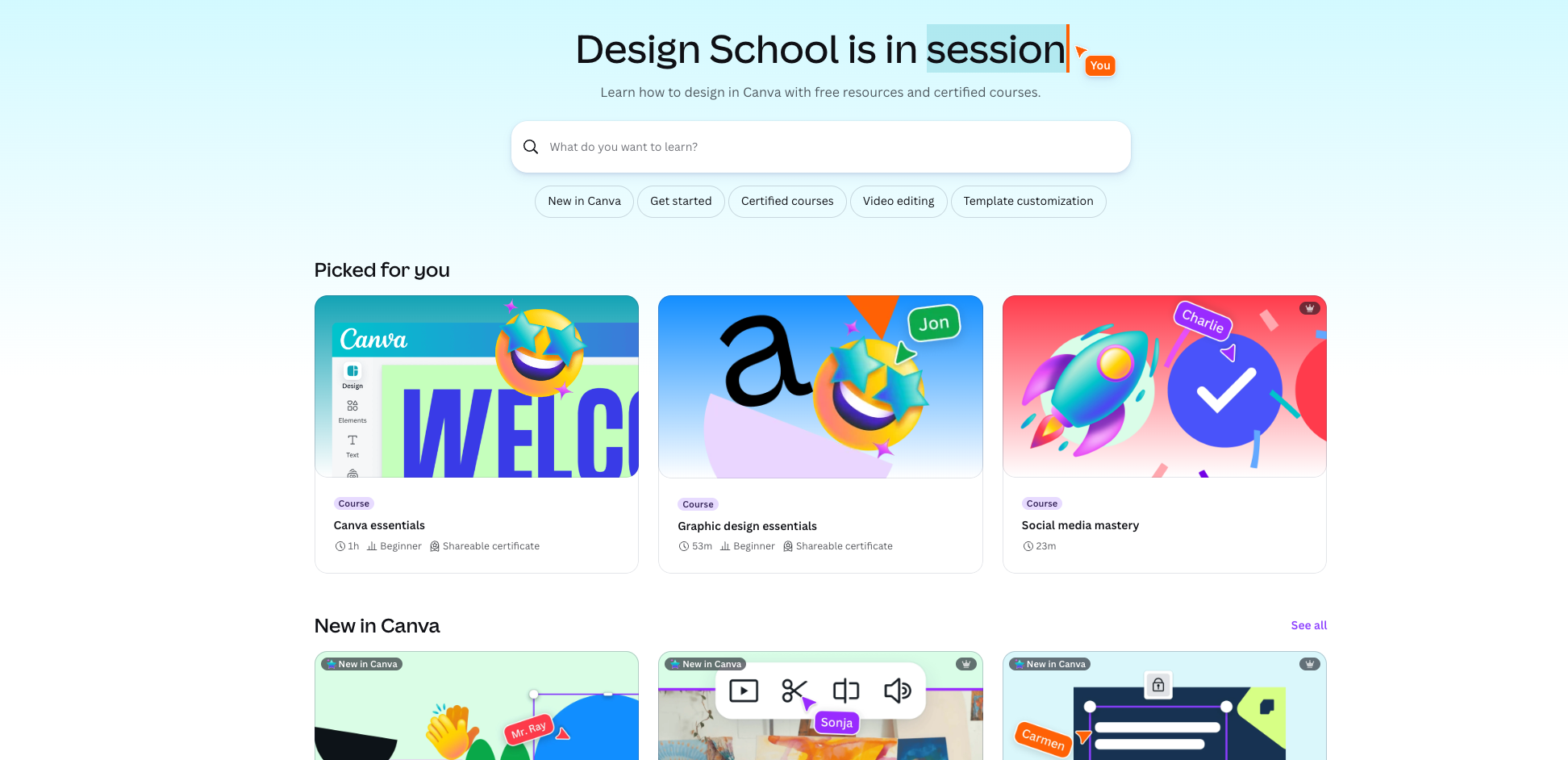
Canva Design School offers free design courses, tutorials, and lessons directly through the Canva platform. The Graphic Design Basics course covers foundational concepts including color, typography, layout, and branding, all taught in the context of actually creating designs inside Canva.
It’s the most practical option on this list for someone who needs to make real designs now, not just understand theory. The exercises are all done inside Canva, which is free to use, so there’s no gap between learning and doing.
Canva Design School also offers free courses on specific use cases like social media design, presentations, and brand identity, so you can continue learning once you have the basics down.
Start Free Design Courses on Canva Design School
Pros
- Completely free with a Canva account
- Practical exercises done inside Canva as you learn
- Covers color, typography, layout, and branding basics
- Additional free courses for specific use cases like social media and presentations
- Best option for non-designers who need to produce real work quickly
Cons
- Canva-specific, so less useful if your goal is to work in Photoshop, Illustrator, or Figma
- Less depth on design theory than the CalArts Coursera option
- Some advanced Canva features require a paid subscription
3. Graphic Design Specialization – Coursera (CalArts)
Best for: Anyone who wants a rigorous, university-level design theory foundation from one of the top art schools in the world
The Graphic Design Specialization from CalArts on Coursera is one of the most respected free design education programs available online. It covers graphic design history and theory, typography, imagemaking, and visual communication across five courses, taught by CalArts faculty.
Each course can be audited for free, giving you full access to video lectures and course materials. The peer-graded projects are only available with a paid subscription, but the lecture content alone is worth working through.
This is the right option if you want to understand design at the level of a working professional, not just produce passable graphics. The theory is deep, the instruction is rigorous, and the CalArts perspective is design-focused in a way that tool-specific courses are not.
Audit the CalArts Graphic Design Specialization Free on Coursera
Pros
- Taught by CalArts faculty, one of the top art and design schools in the world
- 5 courses covering design history, typography, imagemaking, and visual communication
- Free to audit with full access to video lectures
- Goes deeper on design theory than any other option on this list
- Best choice for anyone pursuing design professionally
Cons
- Peer-graded assignments require a paid Coursera subscription
- More time-intensive than the other courses here
- Focuses on theory rather than specific software tools
4. Free Tutorials – Figma
Best for: Learning UI and digital design using the industry-standard free design tool
Figma offers free official tutorials through its YouTube channel and its built-in learning resources inside the tool itself. Figma is free to use for personal projects and for teams of up to two people, making it the most accessible professional-grade design tool available.
The tutorials cover interface navigation, components, auto layout, prototyping, and collaboration workflows. They’re designed to be followed along inside Figma, so you’re applying what you learn immediately.
Figma is now the industry standard for UI and digital design, used by product designers, UX designers, and marketing teams at companies of every size. Learning it alongside the theory from Brainmunk or CalArts gives you a complete foundation in both principles and practice.
Access Free Design Tutorials from Figma
Pros
- Official tutorials from the team that built Figma
- Figma itself is free to use for personal projects
- Industry-standard tool used by professional designers worldwide
- Tutorials follow along inside the tool for immediate practice
- Strong for UI, digital product, and web design workflows
Cons
- Less relevant for print design, branding, or photo editing workflows
- Assumes some basic design knowledge, so better after Brainmunk or Canva Design School
- Free plan has file and collaboration limits
Which Course Should You Start With?
Start with Brainmunk. The Graphic Design Fundamentals course covers color, typography, layout, and the design process in about 35 minutes. You’ll have the conceptual foundation before touching any tool.
From there, it depends on your goal. If you need to make visuals for a business right now, go straight to Canva Design School. The learning happens inside Canva as you produce real work.
If you want to understand design at a deeper level, audit the CalArts Specialization on Coursera for free. It’s more time-intensive but gives you the kind of design thinking that separates people who can produce good work consistently from those who can only copy templates.
Once you’re ready to work with a professional tool, Figma’s free tutorials are the right next step. Figma is free, it’s the industry standard for digital design, and the official tutorials are built around getting you productive inside the tool as fast as possible.
For more on using AI tools to support your learning, see our guides to the best free tools to learn anything online and the best free AI course generators.
Frequently Asked Questions
What is the best free course to learn graphic design online?
Brainmunk’s Graphic Design Fundamentals course is the best starting point for a quick structured overview of design theory. For practical design work, Canva Design School is the best free option. For a rigorous academic foundation, the CalArts Graphic Design Specialization on Coursera can be audited for free.
Is Figma really free?
Yes. Figma’s free Starter plan gives you access to the full design tool for personal projects, including up to 3 design files and unlimited drafts. It’s free to use indefinitely. The paid plans add team collaboration features, more files, and additional storage.
Can you audit the CalArts Graphic Design Specialization on Coursera for free?
Yes. Each course in the CalArts Graphic Design Specialization can be audited for free on Coursera, giving you access to all video lectures and course materials. Peer-graded assignments and certificates require a paid subscription, but the lecture content alone covers the core curriculum.
Do I need to know how to draw to learn graphic design?
No. Graphic design is primarily about visual communication and composition, not illustration or drawing. Most professional designers work entirely with digital tools. The courses on this list assume no drawing ability and focus on principles like color, typography, and layout instead.
What is the difference between Canva and Figma?
Canva is built for non-designers who need to produce graphics quickly using templates. Figma is a professional-grade design tool used for UI, digital products, and brand work. Canva is easier to start with. Figma gives you more control and is used by professional designers in industry. Both are free to use at the core level.