 Chris Cho
The best free online courses to learn Excel in 2026 are Brainmunk’s Excel for Beginners course, GCFGlobal’s Excel tutorials, Chandoo’s free 4-hour Excel course, and IBM’s Excel Basics for Data Analysis on Coursera.
Each covers a different level, from complete beginner to data-focused use cases.
Most people learn Excel by Googling individual formulas as they need them. These courses give you the structure to actually understand how Excel works, so you stop struggling every time something new comes up.
Every course listed here is genuinely free to access. Some offer optional paid certificates, but the learning content costs nothing.
We offer this website completely free to our visitors. To help pay the bills, we’ll often (but not always) set up affiliate relationships with the top providers after selecting our favorites. However, we do our best not to let this impact our choices. There are plenty of high-paying companies we’ve turned down because we didn’t like their product.
An added benefit of our relationships is that we always try to negotiate exclusive discounts for our visitors.
Quick Comparison
1. Excel for Beginners – Brainmunk
Best for: Anyone who wants a structured Excel foundation before working through longer tutorials
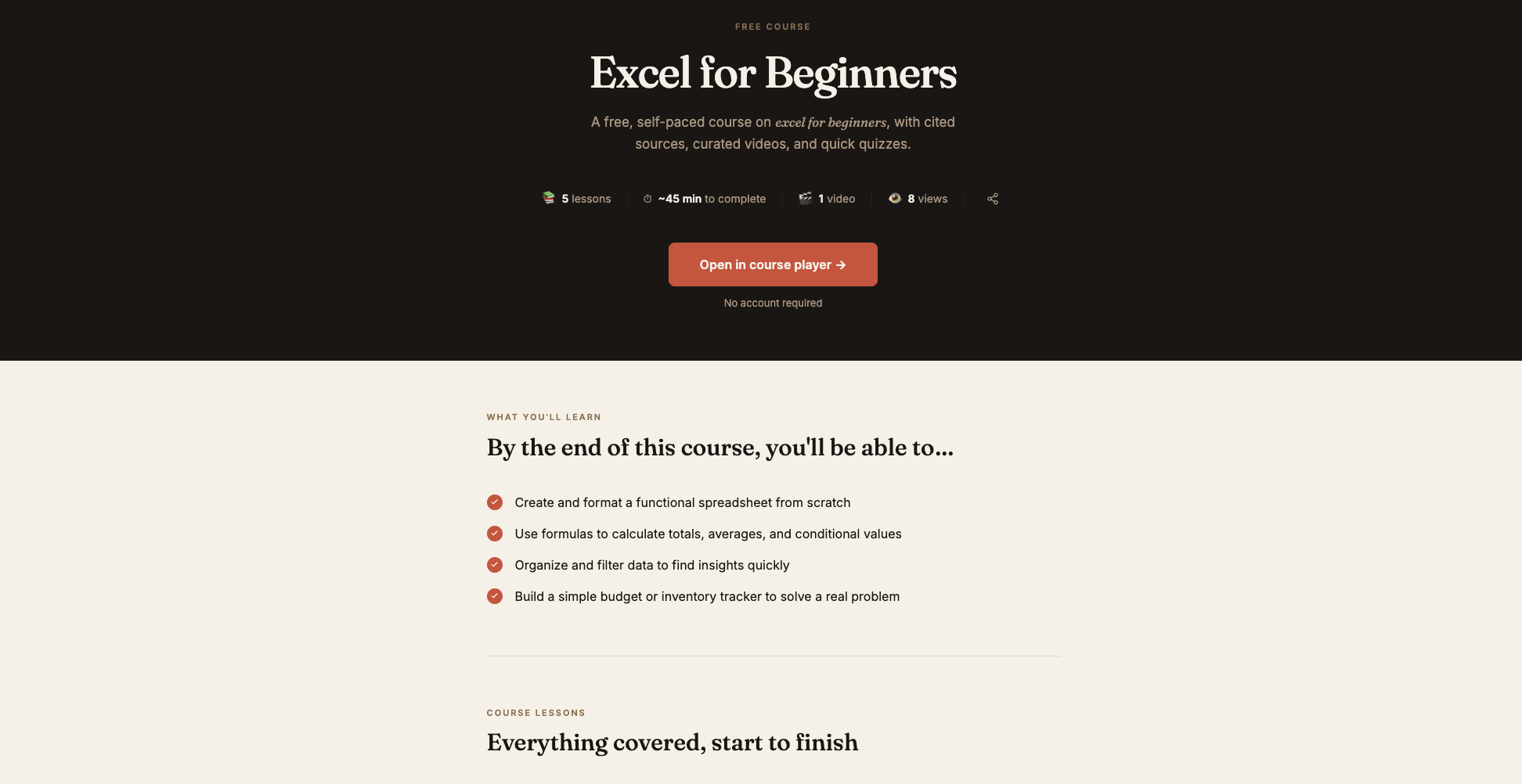
The Excel for Beginners course on Brainmunk covers 5 structured lessons: navigating Excel and building your first spreadsheet, essential formulas (SUM, AVERAGE, COUNT, IF), sorting and filtering data, formatting and presentation, and building your first real project like a budget or tracker.
The course takes about 20 minutes to work through. No account required to start.
Once you have the basics, you can generate spin-off courses on any Excel topic directly from Brainmunk. Need a course on pivot tables, VLOOKUP, or Excel for project management? Type it in and you have a new structured course in under 60 seconds.
The free plan covers your first three courses with every feature included. No credit card or trial period required.
Start the Excel for Beginners Course Free
Pros
- 5 structured lessons covering the core Excel foundation
- Includes a real project at the end (budget or tracker)
- Generate follow-up courses on any Excel topic to go deeper
- No account or credit card required to start
- Takes about 20 minutes to complete in one sitting
Cons
- AI-generated, so always verify formula syntax against Microsoft’s documentation
- Free plan limited to three courses total
2. Excel Tutorials – GCFGlobal
Best for: Absolute beginners who want browser-based, step-by-step Excel lessons with no signup required
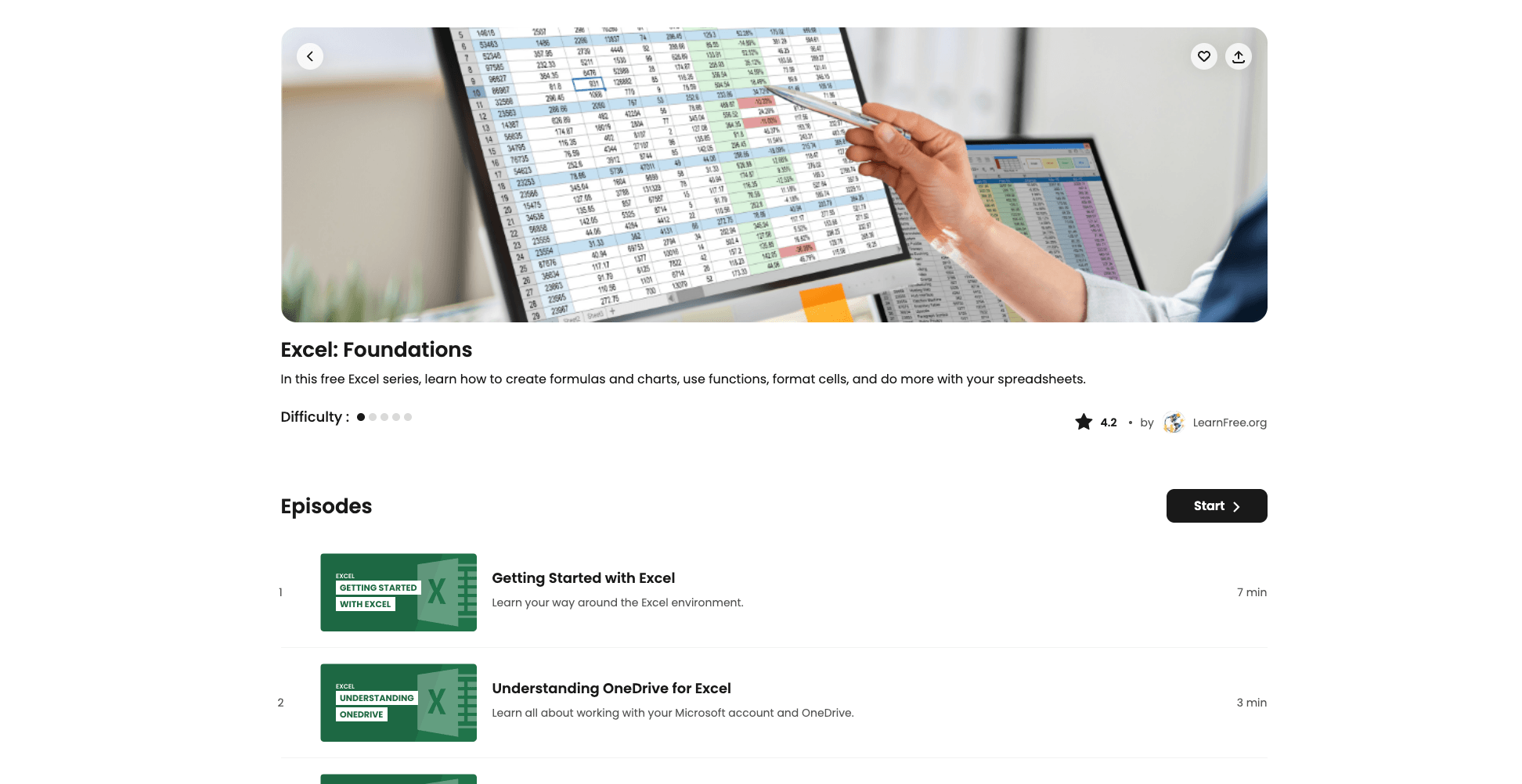
GCFGlobal (formerly GCFLearnFree) offers a structured, browser-based Excel tutorial series that is completely free and requires no account or download. It starts from the very basics, how to open Excel, navigate the interface, and enter data, then builds through formatting, formulas, charts, and pivot tables.
Every lesson includes interactive examples you can follow along with in your browser. It’s one of the cleanest beginner experiences available for Excel, and the content is maintained and updated regularly.
GCFGlobal is backed by the Goodwill Community Foundation and has been a trusted free learning resource since 2000. The Excel content is part of a broader library covering Microsoft Office, technology basics, and workplace skills.
Start Free Excel Tutorials on GCFGlobal
Pros
- Completely free, no account required
- Browser-based with interactive examples built in
- Covers everything from interface basics to pivot tables
- Clean, well-organized lesson structure
- Trusted non-profit resource maintained since 2000
Cons
- Less depth on data analysis compared to the Coursera IBM option
- No certificate or credential at completion
- Not as hands-on as working through real Excel files
3. Complete Excel Course – Chandoo
Best for: Anyone who wants a free, complete, end-to-end Excel course with downloadable practice files
Chandoo.org is one of the most respected Excel education resources on the internet. The free 4-hour Excel course covers all the key aspects of Excel for data analysis work, including formulas, functions, charts, pivot tables, and dashboard basics, with downloadable practice files for every section.
The course is available as a YouTube video. It’s structured end-to-end, meaning you can start at the beginning and work through to a functional Excel skill set without jumping between resources.
Chandoo is a Microsoft MVP with over a decade of Excel education content. The free course is a strong middle ground between GCFGlobal’s beginner tutorials and the more specialized IBM data analysis course on Coursera.
Access Chandoo’s Free 4-Hour Excel Course
Pros
- Free 4-hour end-to-end course with practice files included
- Taught by a Microsoft MVP with deep Excel expertise
- Covers formulas, charts, pivot tables, and dashboard basics
- No signup required to access the YouTube course
- More depth than most beginner resources without being overwhelming
Cons
- Video-only format, so requires more focus than interactive lessons
- Advanced Excel School content is paid
- No structured progress tracking
4. Excel Basics for Data Analysis – Coursera (IBM)
Best for: Learning Excel specifically for data analysis work, backed by IBM
IBM’s Excel Basics for Data Analysis course on Coursera is designed for complete beginners who want to use Excel for data work. It covers the interface, formulas, functions, filtering, sorting, and data visualization over approximately 4 weeks at 2 to 4 hours per week.
The course is part of IBM’s Data Analyst Professional Certificate track, so the content is structured around real analytical workflows rather than general spreadsheet use. You can audit it for free, which gives you full access to all video lectures and readings.
This is the right choice if you’re learning Excel to move into a data analyst role, or if you use spreadsheets for business reporting and want a more analytical skill set than general tutorials provide.
Audit IBM’s Excel Basics for Data Analysis Free on Coursera
Pros
- IBM-backed content focused on real analytical workflows
- Free to audit with no credit card required
- Part of a broader Data Analyst certification track if you want to go further
- Structured over 4 weeks with clear learning goals
- Covers data visualization and filtering alongside core formulas
Cons
- Certificate requires a paid Coursera subscription
- Data analysis focus means less coverage of general spreadsheet tasks
- Takes longer than the other options on this list
Which Course Should You Start With?
Start with Brainmunk. The Excel for Beginners course gives you the full picture in about 20 minutes. You’ll understand what Excel is actually for before spending hours in a longer tutorial.
From there, work through GCFGlobal’s Excel tutorials for a clean, interactive walkthrough of each core feature. No account needed, no files to download, and the browser-based examples make it easy to follow along.
When you’re ready for more depth, Chandoo’s free 4-hour course is the best end-to-end option available for free. Download the practice files and work through it in a few sessions.
If your goal is data analysis work specifically, audit IBM’s Excel Basics for Data Analysis on Coursera for free. It covers the same core skills but structures them around real analytical use cases with an IBM-backed curriculum.
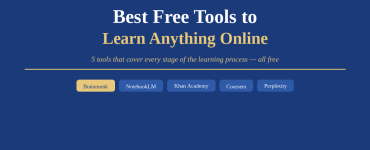
For more tools that help you learn and build skills online, see our full guide to free tools to learn anything online and our roundup of the best free AI course generators.
Frequently Asked Questions
What is the best free course to learn Excel online?
Brainmunk’s Excel for Beginners course is the best starting point. It covers the core foundation in 5 lessons and takes about 20 minutes. For a longer, more hands-on option, Chandoo’s free 4-hour course is the best complete free resource available.
How long does it take to learn Excel basics?
Most people can handle everyday spreadsheet tasks within 5 to 10 hours of focused learning. The Brainmunk course takes about 20 minutes for the overview. GCFGlobal’s full tutorial series takes a few hours. Chandoo’s 4-hour course covers everything from basics to pivot tables and dashboard fundamentals.
Is GCFGlobal a reliable resource for learning Excel?
Yes. GCFGlobal is run by the Goodwill Community Foundation and has been a trusted free learning resource since 2000. The Excel content is well-maintained, browser-based, and covers everything from opening Excel for the first time through to charts and pivot tables.
Can you audit Coursera’s IBM Excel course for free?
Yes. You can audit IBM’s Excel Basics for Data Analysis course on Coursera for free. Auditing gives you access to all video lectures and course materials. You only pay if you want the graded assignments or completion certificate.
Do I need to know math to learn Excel?
No. Excel handles the math. You need to understand what you’re trying to calculate, but the formulas do the calculation for you. Basic arithmetic helps, but you do not need any advanced math knowledge to become proficient with Excel’s core features.