 Chris Cho
The best free online course to learn QuickBooks in 2026 is the Small Business Bookkeeping in QuickBooks course on Brainmunk. It’s structured, requires no account, and takes you from setup to tax-ready reports in 9 focused lessons.
For a free certification you can put on a resume, Intuit’s ProAdvisor program is the gold standard.
Most small business owners don’t need an accounting degree. They need to stop guessing whether their books are right before tax season. These courses get you there without spending a dollar.
Every course below is genuinely free to learn from. Not a free trial. Not a teaser module.
We offer this website completely free to our visitors. To help pay the bills, we’ll often (but not always) set up affiliate relationships with the top providers after selecting our favorites. However, we do our best not to let this impact our choices. There are plenty of high-paying companies we’ve turned down because we didn’t like their product.
An added benefit of our relationships is that we always try to negotiate exclusive discounts for our visitors.
Quick Comparison
| Course | Best For | Length | Certificate |
|---|---|---|---|
| Brainmunk (AI-generated) | Self-directed learners | 1-2 hrs | No |
| Intuit ProAdvisor | Bookkeepers, serious learners | 10-15 hrs | Yes (free) |
| Alison | Absolute beginners | 1-2 hrs | Paid option |
| Fit Small Business | Beginners wanting bite-sized lessons | Self-paced | No |
| Hector Garcia (YouTube) | Visual learners, hands-on practice | Varies | No |
1. Small Business Bookkeeping in QuickBooks – Brainmunk
Best for: Self-directed learners who want a structured, customizable path
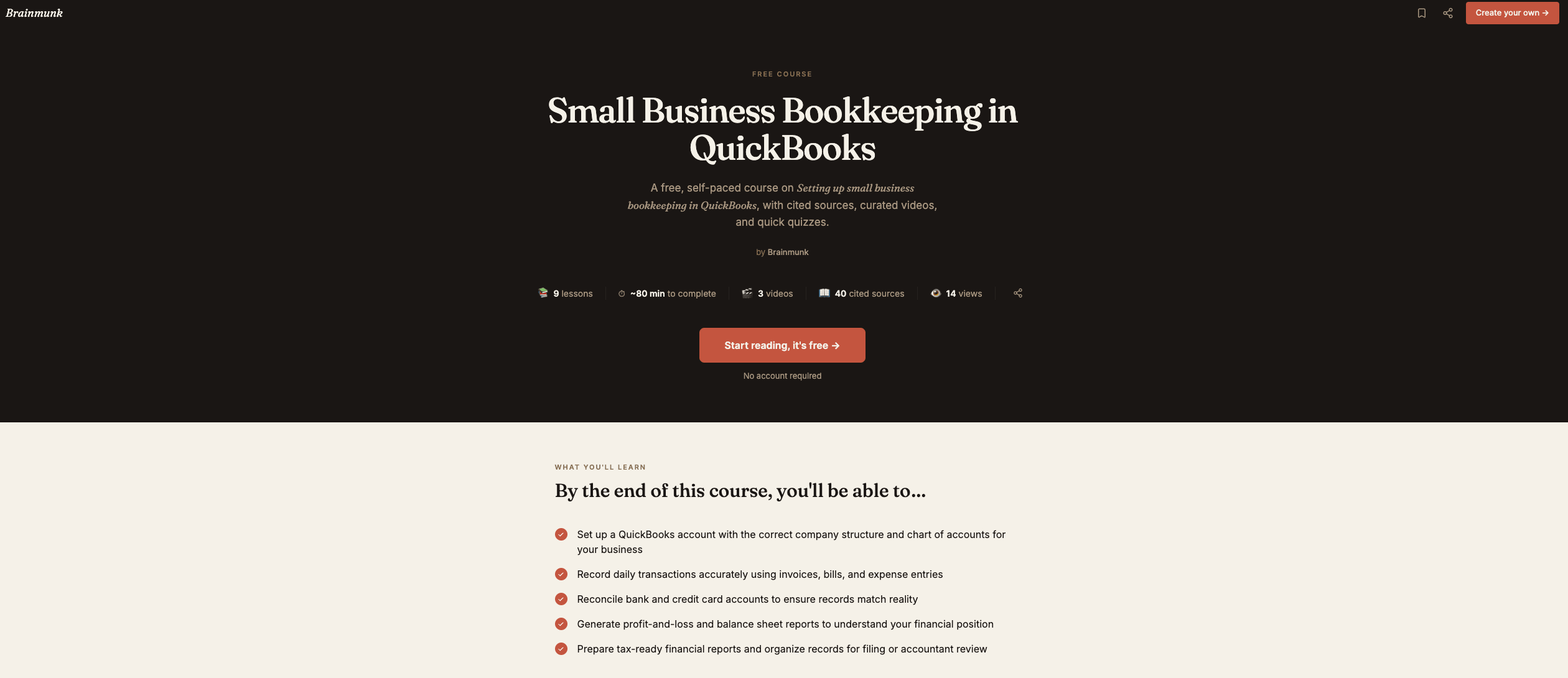
This is the most practical starting point for a small business owner who wants to understand QuickBooks from the ground up without sitting through hours of content you don’t need.
The course was built using Brainmunk’s AI course generator, which searches the web, structures the content, and produces a research-backed course with cited sources and embedded videos.
The result is a clean 9-lesson course covering exactly what a small business owner actually needs: setting up your company, recording income and expenses, reconciling accounts, reading your P&L, and getting ready for tax time. No account required to access it.
What the course covers:
- Choosing the right QuickBooks product and setting up your company
- Building your chart of accounts
- Configuring users, permissions, and company settings
- Recording income: invoices, estimates, and sales receipts
- Recording expenses: bills, checks, and credit card entries
- Managing customers, vendors, and products
- Bank and credit card reconciliation
- Reading and using financial reports
- Year-end close, adjustments, and tax preparation
Each lesson includes cited web sources and takes around 3 minutes to read through. You can complete the whole course in a single sitting if needed.
One thing worth knowing: Brainmunk is an AI course generator, not a fixed library. If you want to go deeper on a specific topic, say QuickBooks payroll or QuickBooks for contractors, you can generate a new course on that exact topic in under a minute.
The free plan covers your first three courses with no signup required. That kind of flexibility is something no other resource on this list offers.
Access the Brainmunk QuickBooks course
Pros
- No account or signup required
- 9 focused lessons, completable in one sitting
- Cited sources in every lesson
- Can generate follow-up courses on any QBO topic for free
Cons
- No certificate
- AI-generated content, not taught by a CPA
- Free plan limited to 3 courses
2. QuickBooks ProAdvisor Certification – Intuit
Best for: Bookkeepers, VAs, and anyone who wants a free, recognized credential
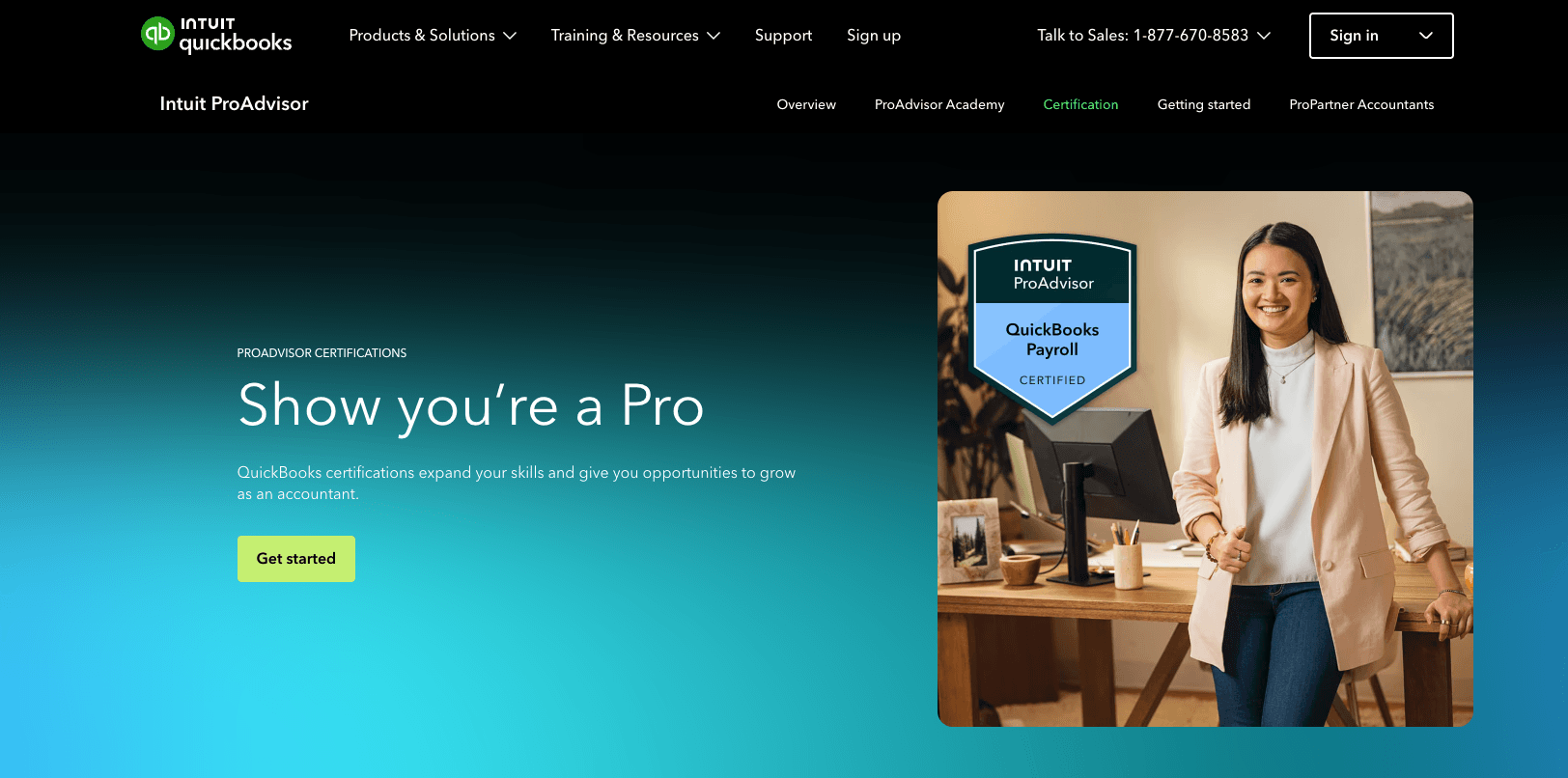
Intuit’s ProAdvisor certification is the most credible free QuickBooks credential available. It’s recognized by small businesses and accounting firms, and it gets you listed in Intuit’s ProAdvisor directory, which is a real source of client leads for freelance bookkeepers.
The training is hosted inside QuickBooks Online Accountant, which is free to sign up for. It covers advanced QBO features including bank feeds, management reports, app integrations, and client collaboration tools.
This is not a beginner course. You’ll get far more out of it after you have some hands-on QBO experience first. But as a free certification, nothing else on this list comes close.
If you’re hiring or managing a bookkeeping virtual assistant, having them complete ProAdvisor training is a solid way to verify and build their QBO expertise.
Access Intuit ProAdvisor training
Pros
- Free certification with real industry recognition
- Gets you listed in the ProAdvisor directory
- Covers advanced QBO features in depth
- Annual recertification keeps skills current
Cons
- Requires creating a free QBO Accountant account
- Not suitable for complete beginners
- Geared toward accounting professionals, not general small business owners
3. Getting Started in QuickBooks Pro – Alison
Best for: Absolute beginners who want a structured intro with an optional certificate
Alison’s free QuickBooks Pro course is one of the most accessible entry points for someone who has never touched accounting software before.
It walks through the full QuickBooks Pro Desktop workflow from scratch: setting up a company file, working with the chart of accounts, invoicing, receiving payments, entering and paying bills, and managing inventory.
The course was recorded on QuickBooks Pro 2018, so some interface elements look different from the current version. The core concepts and workflows translate directly though, and for a complete beginner this is still a solid foundation.
All Alison courses are free to enroll in and learn from. A paid certificate is available if you need proof of completion for a job application.
Access the Alison QuickBooks course
Pros
- Completely free to learn
- Structured, beginner-friendly format
- Covers full workflow from setup to inventory
- Optional paid certificate available
Cons
- Recorded on an older version, so the interface looks dated
- Desktop-focused, not QuickBooks Online
- Certificate requires payment
4. Free QuickBooks Online Tutorials – Fit Small Business
Best for: Beginners who want structured, bite-sized lessons with video walkthroughs
Fit Small Business offers 59 free QuickBooks Online tutorials, each written and recorded by certified QuickBooks ProAdvisors.
Every tutorial includes a step-by-step written guide plus a video demonstration. Lessons run between 2 and 15 minutes, so you can work through them in short sessions without losing your place.
The tutorials are organized by module, starting with company setup and working through invoicing, expenses, payroll, reporting, and more. There’s no account required and no quiz or completion requirement.
It’s a good fit if you want more depth than a single introductory course but aren’t ready to commit to the full ProAdvisor certification path.
Access Fit Small Business QuickBooks tutorials
Pros
- 59 tutorials covering every core QBO workflow
- Each lesson includes both a written guide and a video
- Written by certified QuickBooks ProAdvisors
- No account or signup required
Cons
- No certificate
- No live instruction or Q&A
- Requires a QBO subscription to follow along in the software
5. QuickBooks Online Tutorials – Hector Garcia (YouTube)
Best for: Visual learners and anyone troubleshooting specific QBO workflows
Hector Garcia is a CPA and Advanced Certified QuickBooks ProAdvisor with one of the most-watched free QuickBooks channels on YouTube.
His tutorials are screen-share based. You watch him work through real workflows and follow along in your own QBO account at the same time.
There’s no single course to follow. It’s a library of hundreds of videos covering everything from initial setup to advanced payroll and reporting.
The best approach is to start with his QuickBooks Online full tutorial for beginners, then search his channel for specific topics as questions come up. If you get stuck on a reconciliation issue or can’t find a report, there’s a good chance he’s covered it.
Watch Hector Garcia’s QuickBooks tutorials free on YouTube
Pros
- Hundreds of free videos covering every QBO topic
- Screen-share format is ideal for software learning
- Taught by a working CPA and Advanced ProAdvisor
- Regularly updated as QBO changes
Cons
- No structured curriculum, you build your own path
- No certificate
- YouTube format can be hard to follow as a complete beginner
Which Course Should You Start With?
If you’re a small business owner who just needs to understand your books, start with Brainmunk. It’s the fastest path from zero to functional, and you can generate follow-up courses on any topic you want to go deeper on.
If you’re a bookkeeper or VA looking to get certified, go straight to Intuit ProAdvisor. The credential is free and it’s the one that actually means something to clients and employers. If you’re hiring a bookkeeping VA, it’s worth asking whether they have ProAdvisor certification before making an offer.
If you’ve never touched accounting software and want a gentle intro before committing to anything, Fit Small Business is a great starting point. 59 bite-sized lessons, no account needed, no pressure.
If a specific QBO workflow is confusing you, Hector Garcia’s YouTube channel is the fastest way to get unstuck. Search his channel for the exact task you’re trying to do.
Once you’re comfortable in QuickBooks, you may reach a point where it makes sense to hand the work off entirely. A bookkeeping virtual assistant can take over the day-to-day in QBO so you stop spending hours on it yourself.
If you want help finding qualified accounting talent, our guide to freelance websites for accountants and bookkeepers is a good place to start.
Frequently Asked Questions
Is QuickBooks free to learn?
Yes. All five courses on this list are free to access. Intuit also offers a 30-day free trial of QuickBooks Online, which you can use to practice what you learn before subscribing.
Can I get a free QuickBooks certification?
Yes. Intuit’s ProAdvisor certification is completely free through the QuickBooks Online Accountant platform. It’s the most recognized QuickBooks credential available and it costs nothing to earn.
How long does it take to learn QuickBooks?
For basic small business use, most people get functional in a few hours. The Brainmunk course covers invoicing, expenses, reconciliation, and reports in about 27 minutes. Full ProAdvisor certification takes 10 to 15 hours of self-paced study.
Do I need an accounting background to learn QuickBooks?
No. QuickBooks was designed for business owners without formal accounting training. The courses on this list assume no prior knowledge. That said, understanding a few basic concepts like income vs. expenses and what a balance sheet shows will help you move faster.
What’s the difference between QuickBooks Online and QuickBooks Desktop?
QuickBooks Online is cloud-based, runs in any browser, and is what Intuit actively develops and promotes. QuickBooks Desktop still has a user base in certain industries like construction and manufacturing, but Intuit has been steering users toward QBO for years. If you’re starting fresh, learn QuickBooks Online.