
 Stefan Schulz
LearnDash is a WordPress learning management system (what is an LMS?) plugin primarily used by higher education institutions, professional training organizations, and WordPress developers building course sites for clients.
In this review, we break down the pros and cons, current pricing, and how it compares to the competition.
See Which Online Course Platform Fits You Best
Answer a few quick questions and get a personalized recommendation: which platform, which plan, and why it's the right fit for you.
Find My Platform →⏱ Takes under 60 seconds
We offer this website completely free to our visitors. To help pay the bills, we’ll often (but not always) set up affiliate relationships with the top providers after selecting our favorites. However, we do our best not to let this impact our choices. There are plenty of high-paying companies we’ve turned down because we didn’t like their product.
An added benefit of our relationships is that we always try to negotiate exclusive discounts for our visitors.
LearnDash Overview
LearnDash is widely regarded as the most powerful WordPress LMS plugin available. It lets you build, deliver, and sell online courses directly on your own WordPress site without paying ongoing platform transaction fees or revenue share. You own your courses, your student data, and your infrastructure.
LearnDash is not the right fit for everyone. It requires either an existing WordPress site or the technical willingness to set one up. If you want a hosted, no-setup solution where you just upload content and start selling, platforms like Thinkific or Teachable are easier starting points. But if you're already on WordPress, or want the flexibility, ownership, and long-term cost savings that come with self-hosting, LearnDash is hard to beat.
How LearnDash Works
LearnDash is a plugin you install on a WordPress site. Once installed, it adds a full course creation and management system to your existing WordPress dashboard. You build courses using LearnDash's drag-and-drop builder, structure them into lessons, topics, and quizzes, and then sell access through integrations with WooCommerce, Stripe, or PayPal.
Because it runs on WordPress, you have complete control over design, hosting, integrations, and data. You can use any WordPress theme, add any plugin, and build a completely custom learning experience. The tradeoff is that you're responsible for hosting, security, updates, and the technical setup.
Who Is LearnDash Good For?
LearnDash is an excellent choice for:
- WordPress developers building course sites for clients
- Organizations that need to train employees or customers and want full data ownership
- Higher education institutions and professional certification bodies
- Creators with an existing WordPress site who want to add courses without moving to a new platform
- Course creators who need deep customization beyond what hosted platforms allow
- Anyone who wants 0% transaction fees and full control over their revenue
It's not ideal for complete beginners with no WordPress experience who want to launch quickly. In that case, a hosted platform handles setup, security, and maintenance for you.
Who Uses LearnDash?
LearnDash powers over 100,000 websites. Notable users include:

- University of Florida
- University of Michigan
- University of Washington
- Digital Marketer
- ProBlogger
- WP Elevation
LearnDash Pricing (2026)
LearnDash offers two distinct products: the self-hosted plugin and LearnDash Cloud (a fully hosted option). All plugin plans include identical features. The only difference is how many WordPress sites you can activate the license on.
LearnDash Plugin (Self-Hosted)
| Plan | Price | Site Licenses |
|---|---|---|
| Basic | $199/year | 1 site |
| Plus | $399/year | 10 sites |
| Pro | $799/year | Unlimited sites |
All three plugin plans include identical features: unlimited courses, unlimited students, unlimited content, drag-and-drop course builder, ProPanel analytics, quizzes, certificates, drip content, prerequisites, engagement triggers, AI course outline builder, and free integrations with WooCommerce, Stripe, PayPal, and Zapier. No transaction fees on any plan.
Licenses renew annually. LearnDash offers a 15-day money-back guarantee.
Important: The plugin license is just the starting point. Running a full LearnDash site also requires WordPress hosting ($5-$75/month depending on traffic and video needs), a domain ($10-$15/year), and potentially premium add-ons or themes. A realistic budget for a production-ready LearnDash site is $300 to $600/year before add-ons, or more for higher-traffic sites requiring managed hosting.
LearnDash Cloud (Fully Hosted)
LearnDash Cloud removes the need to manage WordPress hosting yourself. It's a fully hosted solution with LearnDash and WordPress pre-installed, starting at $29/month. This is the right option if you want LearnDash's course features without the technical overhead of self-hosting.
Cloud plans include hosting, automatic updates, ProPanel analytics, Stripe integration, and starter templates. The tradeoff versus self-hosting is less flexibility with plugins and customization. Cloud users cannot install arbitrary WordPress plugins, which limits advanced integrations available to self-hosted users.
LearnDash Review: The Good and Bad
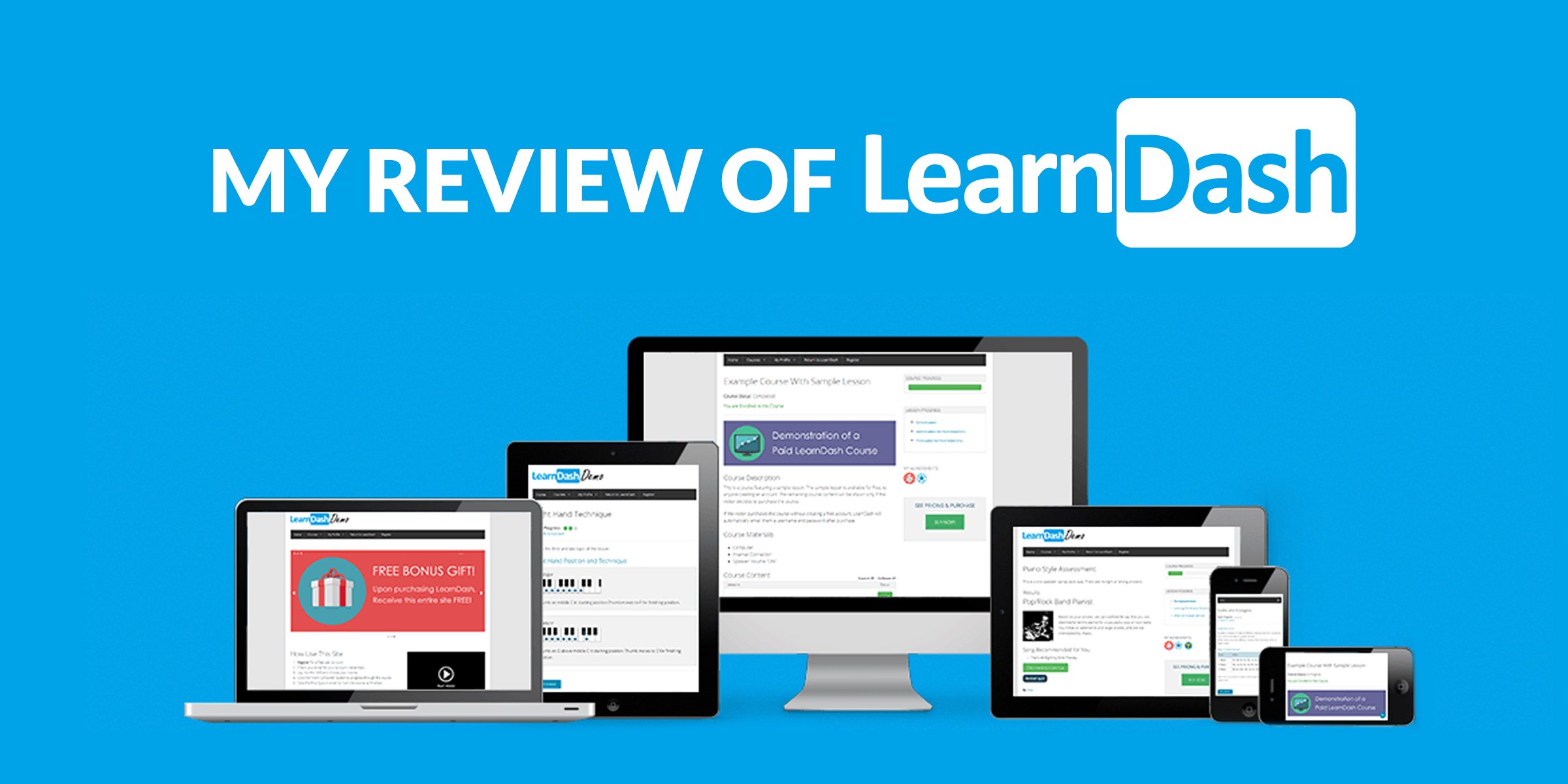
Pros
- 0% transaction fees on all plans. You keep 100% of course revenue (minus standard payment processing fees).
- Unlimited courses, students, and content on every plan.
- Powerful drag-and-drop course builder with visual curriculum layout.
- Extensive video tools including video progression, autoplay, and hiding the progress bar to prevent skipping.
- Drip-feed content scheduling to release lessons on a set schedule.
- Prerequisites system to require students to complete earlier courses before advancing.
- Engagement triggers to automate actions based on student behavior (course completion, quiz failure, lesson finish, assignment upload).
- Deep integration with the entire WordPress ecosystem: any theme, any plugin.
- AI course outline and quiz builder included.
- Localized for multiple languages, enabling international course delivery.
- Strong long-term cost efficiency compared to hosted platforms, especially at scale.
- Used and trusted by major universities and Fortune 500 companies.
Cons
- Requires WordPress. Not usable on its own or on any other platform.
- Steeper learning curve than hosted platforms like Teachable or Thinkific. No extensive onboarding tutorial.
- True total cost is higher than the license fee alone once you add hosting, themes, and add-ons.
- Monetization requires integrating WooCommerce, Stripe, or PayPal. These aren't built-in checkout solutions like Teachable Payments.
- Advanced features (group management, gradebook, CE credits, gamification) require paid add-ons.
- No free trial (15-day money-back guarantee instead).
- Customer support quality is inconsistent based on user reviews.
LearnDash's Best Features
1. Drag-and-Drop Course Builder
LearnDash's visual course builder lets you see the full structure of your course as you build it: lessons, topics, quizzes, and assignments laid out in a visual curriculum. You can quick-add new lessons and quizzes directly from the builder without leaving the view, rearrange sections by dragging, and see exactly how the course will flow before it goes live.
2. Video Progression Tools
One of LearnDash's most distinctive features is its video progression system. You can embed self-hosted or externally hosted videos (YouTube, Vimeo, Wistia) and then control how students interact with them. Options include automatically marking a lesson complete when a video finishes, setting videos to autoplay sequentially, hiding the progress bar to prevent skipping, and requiring video completion before a quiz unlocks. This is far more granular control than most hosted platforms offer.
3. Drip-Feed Content
LearnDash's drip-feed feature lets you release course content on a schedule rather than all at once. You can make specific lessons available after a certain number of days, or set a fixed release date for content across the entire curriculum. This is useful for cohort-based courses, subscription programs, or any situation where you want students to progress at a controlled pace rather than consuming everything immediately.
4. Prerequisites
You can assign prerequisite courses or lessons that students must complete before accessing more advanced content. You control whether all prerequisites must be completed or just a subset. This is particularly valuable for professional training programs, certification courses, and educational institutions where foundational knowledge needs to be verified before progression.
5. Engagement Triggers
LearnDash's engagement trigger system lets you automate actions based on student behavior. When a student completes a course, fails a quiz, finishes a lesson, or uploads an assignment, you can automatically trigger an email, enroll them in another course, award a certificate, or fire a Zapier action connecting to thousands of external tools. This level of automation is closer to what you'd find in dedicated marketing platforms than in a typical course plugin.
6. ProPanel Analytics
ProPanel gives administrators a real-time dashboard to monitor student course activity, track assignment submissions and quiz results, view overall class progress, and identify students who may be falling behind. It's a meaningful reporting upgrade over the basic course reporting available in most WordPress LMS solutions and is now included on all plugin plans.
7. Extensive Integrations
Because LearnDash runs on WordPress, it integrates with the full WordPress plugin ecosystem. Native integrations include WooCommerce (for payments and membership), Stripe, PayPal, MemberPress, Zapier, BuddyPress (for social learning communities), bbPress (forums), Uncanny Automator, and more. The breadth of what you can connect to LearnDash is significantly wider than any hosted platform.
LearnDash vs. Hosted Platforms
| LearnDash | Thinkific | Teachable | |
|---|---|---|---|
| Starting price | $199/year ($16.58/mo) | $36/mo (annual) | $29/mo (annual) |
| Transaction fees | 0% | 0% (own Stripe adds 1-5%) | 7.5% on Starter, 0% on Builder+ |
| Requires WordPress | Yes | No | No |
| Hosting included | No (Cloud option: $29/mo) | Yes | Yes |
| Customization | Unlimited (WordPress ecosystem) | High | Moderate |
| Setup complexity | High | Low | Very low |
| Best for | WordPress users, organizations, developers | Course creators wanting clean delivery | Beginners, fast launch |
LearnDash Alternatives
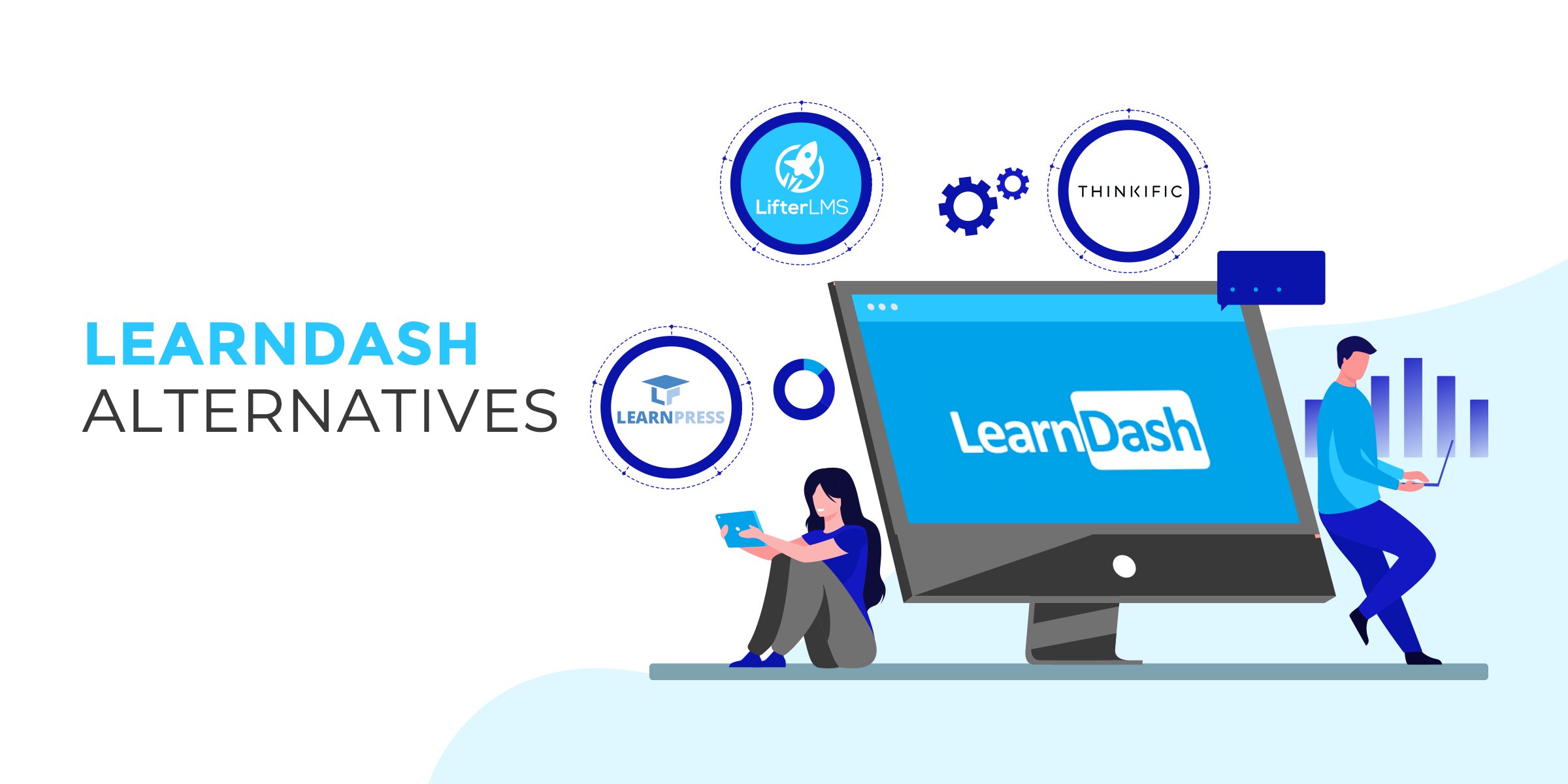
Thinkific
If you don't have a WordPress site or want to avoid managing hosting and plugins, Thinkific is the hosted alternative we recommend most. It offers 0% transaction fees on all paid plans, unlimited courses, deep customization, and phone support on the Grow plan. Plans start at $49/month ($36/month annually). Read our full Thinkific review.
Kajabi
Kajabi is the all-in-one alternative to LearnDash for creators who want course hosting, email marketing, sales funnels, and payment processing in one place without any WordPress setup. It's significantly more expensive (starting at $143/month annually) but replaces multiple tools that LearnDash users typically bolt on separately. Read our full Kajabi review.
LearnPress
LearnPress is a free WordPress LMS plugin and a true no-cost starting point if you already have a WordPress site and want to test course delivery before committing to LearnDash. It's significantly less powerful and lacks LearnDash's advanced features (video progression, engagement triggers, detailed ProPanel analytics), but the free core plugin covers the basics for a simple course setup. Paid add-ons are required for most advanced functionality.
See Which Online Course Platform Fits You Best
Answer a few quick questions and get a personalized recommendation: which platform, which plan, and why it's the right fit for you.
Find My Platform →⏱ Takes under 60 seconds
Frequently Asked Questions
Does LearnDash offer a free trial?
No. LearnDash does not offer a free trial but provides a 15-day money-back guarantee. If you're unsatisfied within 15 days of purchase, you can request a full refund.
Does LearnDash require WordPress?
Yes. The LearnDash plugin requires an existing WordPress installation. If you don't have a WordPress site, LearnDash Cloud ($29/month) is the fully hosted alternative that includes WordPress and LearnDash pre-configured.
Does LearnDash charge transaction fees?
No. LearnDash charges 0% platform transaction fees on all plans. You pay only standard payment processing fees through Stripe, PayPal, or WooCommerce (typically 2.9% + 30 cents per transaction).
Does LearnDash support live training or webinars?
Not natively, but LearnDash integrates with Zoom, GoToWebinar, and other conferencing tools via Zapier or dedicated WordPress plugins. The Zoom integration is one of the most commonly used for adding live sessions to LearnDash courses.
Do I need a membership plugin for LearnDash?
No. LearnDash includes built-in course access control that protects your content without requiring a separate membership plugin. However, if you want more advanced membership tiers, subscription billing, or content gating based on membership level, integrating MemberPress or Paid Memberships Pro adds that capability.
Will LearnDash work with my WordPress theme?
LearnDash is built to work with most modern WordPress themes. Some themes have dedicated LearnDash integration for better styling. You can also purchase purpose-built LMS themes designed specifically for LearnDash. Contact LearnDash support about compatibility with heavily customized or page-builder-based themes before purchasing.
What support does LearnDash offer?
All plans include access to documentation, video tutorials, and email-based help desk support. LearnDash does not offer live chat or phone support. Response times and quality have received mixed reviews, so factor this into your decision if hands-on support is important to your operation.
What is the real total cost of LearnDash?
The plugin license starts at $199/year, but a production-ready LearnDash site typically costs $300 to $600/year once you add WordPress hosting ($60 to $900/year depending on traffic), a domain ($10 to $15/year), and any premium themes or add-ons. High-traffic sites requiring managed hosting or advanced add-ons like group management, gamification, or CE credit tracking will cost more. LearnDash Cloud at $29/month removes the hosting complexity but limits plugin flexibility.